Import from Images & Photos
Published: 2026-07-18 · Last updated: 2026-07-18
You can import recipes from any images, including screenshots, saved pictures, or photos.
To import a recipe:
- Open the Cookan AI app.
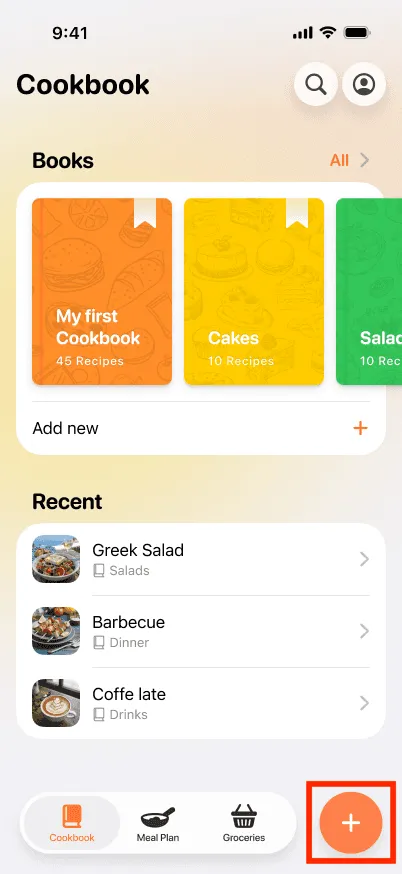
- Tap on the + button at the bottom right.
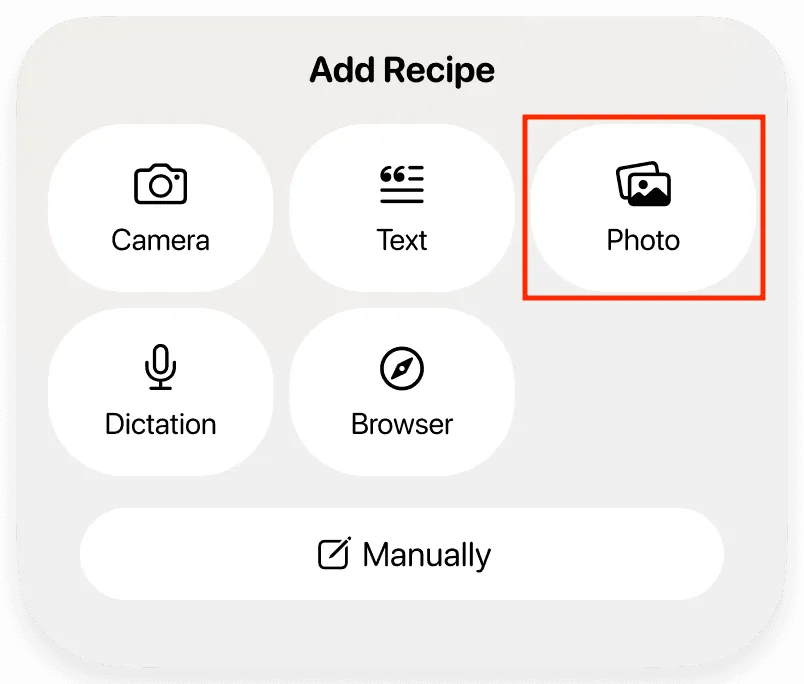
- Select the Photo option.
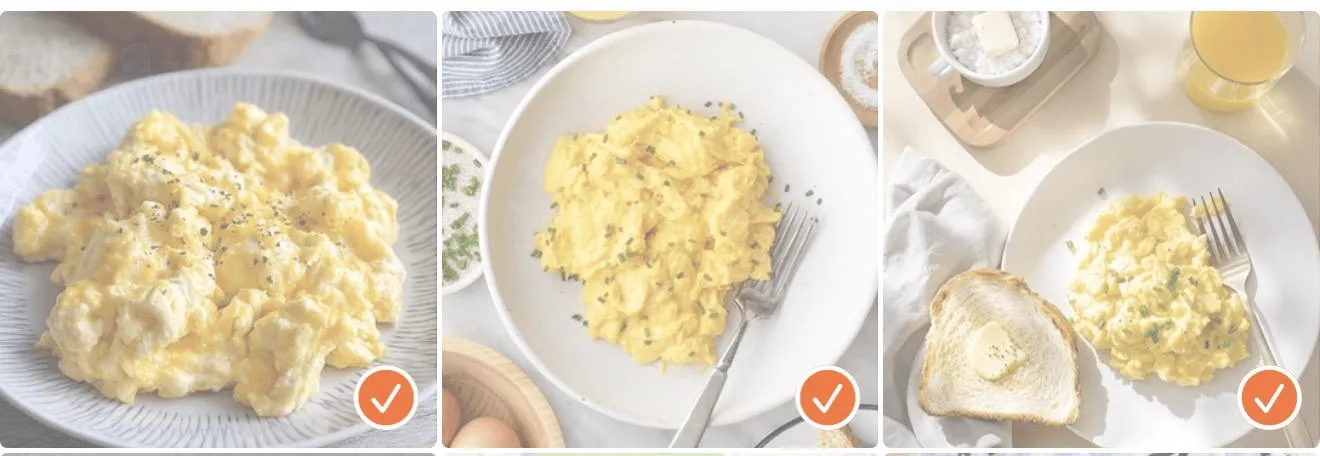
- Choose up to three images from your gallery that contain a recipe. The order in which you select the images determines how they appear in the recipe. Tap the ✔️ button at the top of the screen when you are done.
- Add recipe description under the images if you want to include additional information.
- Press the ✔️ button at the top of the page to proceed with the recipe.
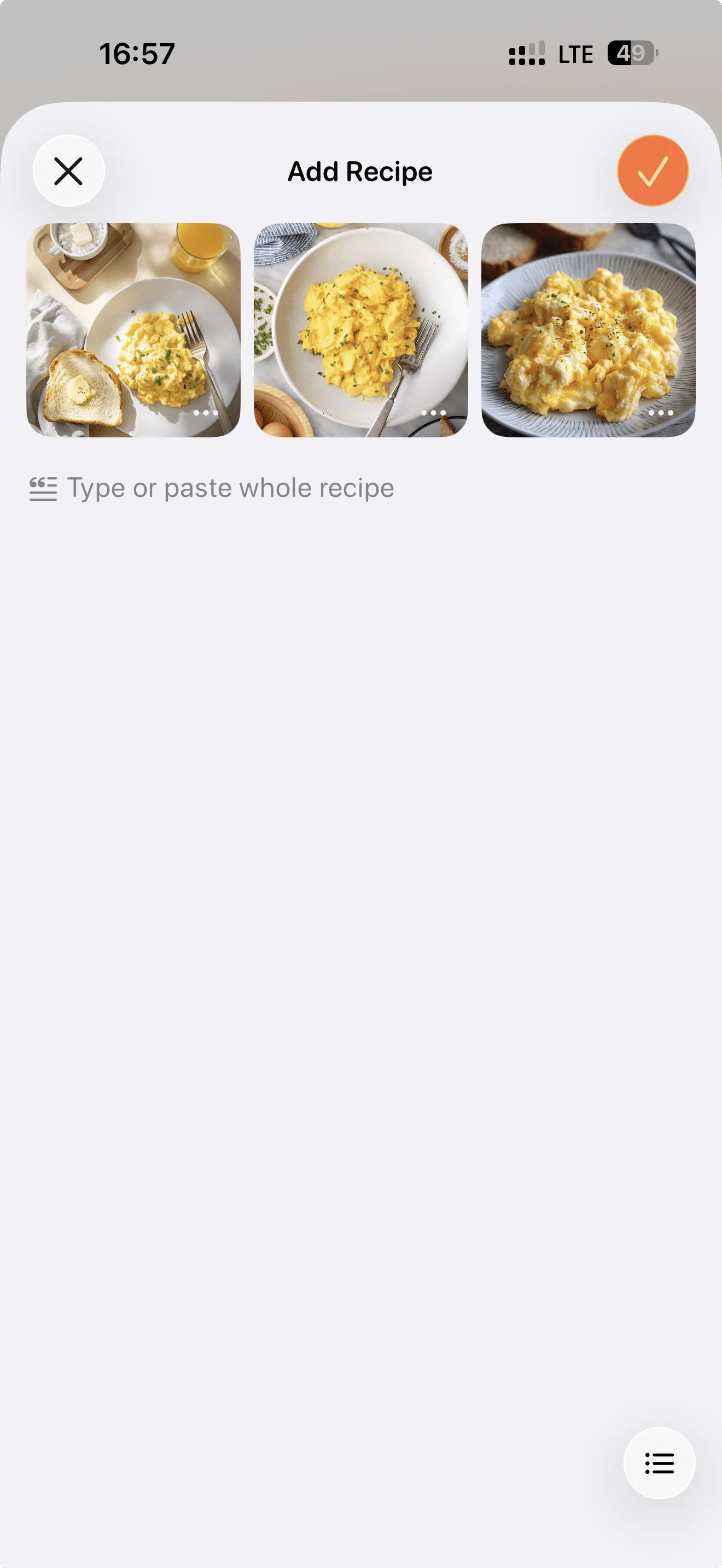
- The App will process the images and generate a structured recipe.